 PCBPro
Guides
Everything PCBPro does, and how to use it
Start with the install guide and the tutorial. Every other guide stands on its own: read the one for what you are building.
Start here
Install and first steps
Requirements, installing, the window, a board in six steps, and where things are kept.
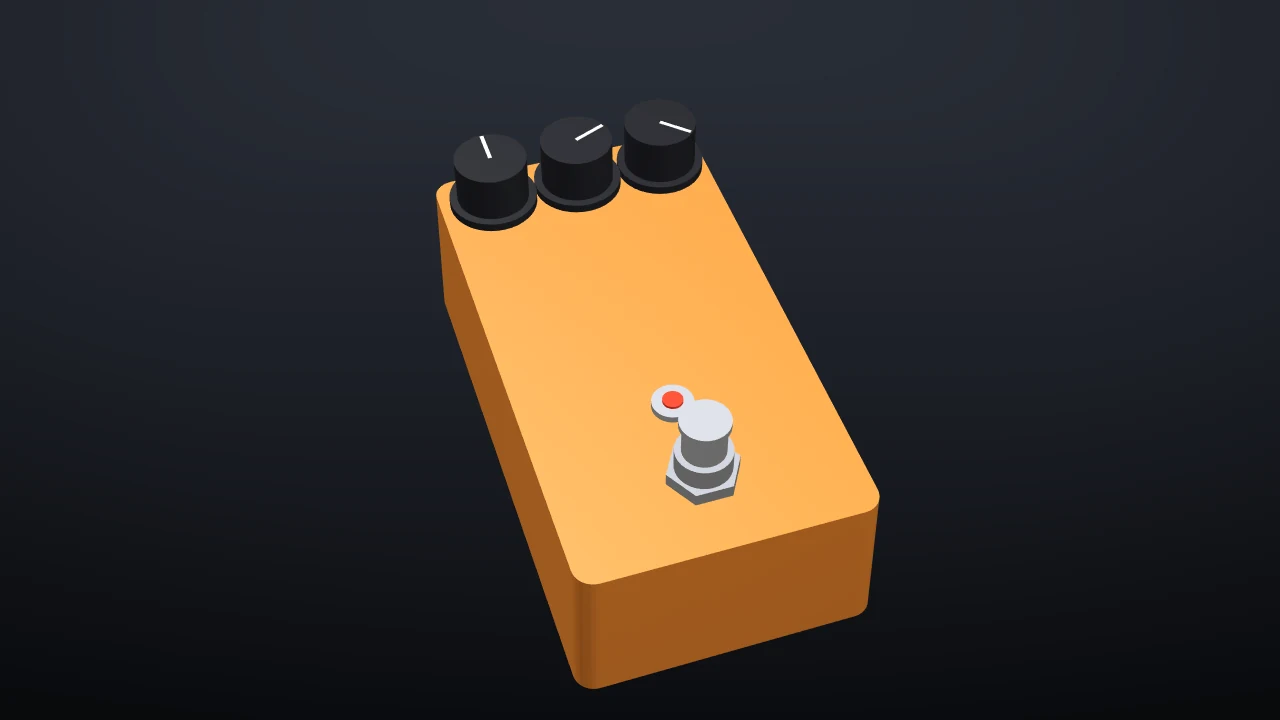
Tutorial: your first pedal
A three-knob overdrive from an empty enclosure to an order, in about 45 minutes.
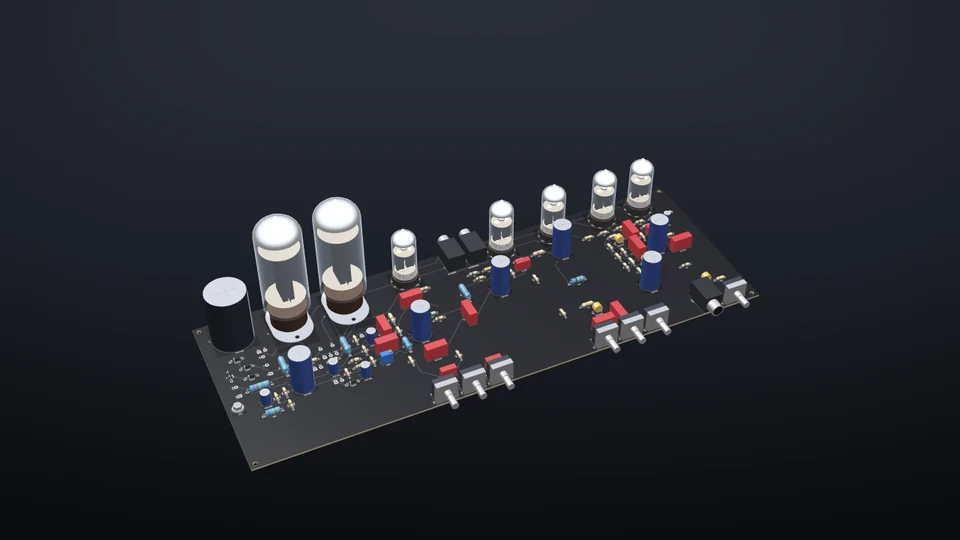
Examples
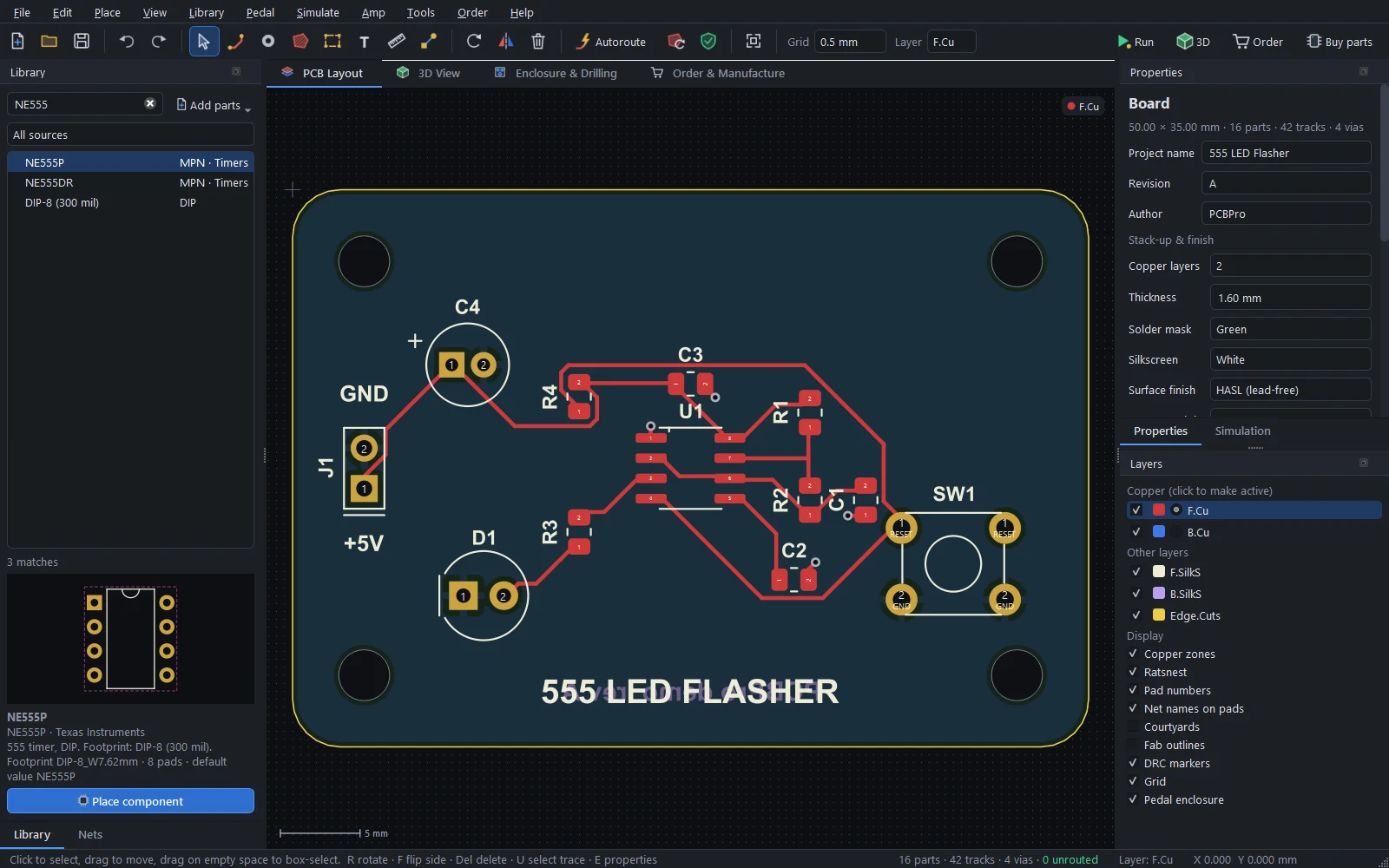
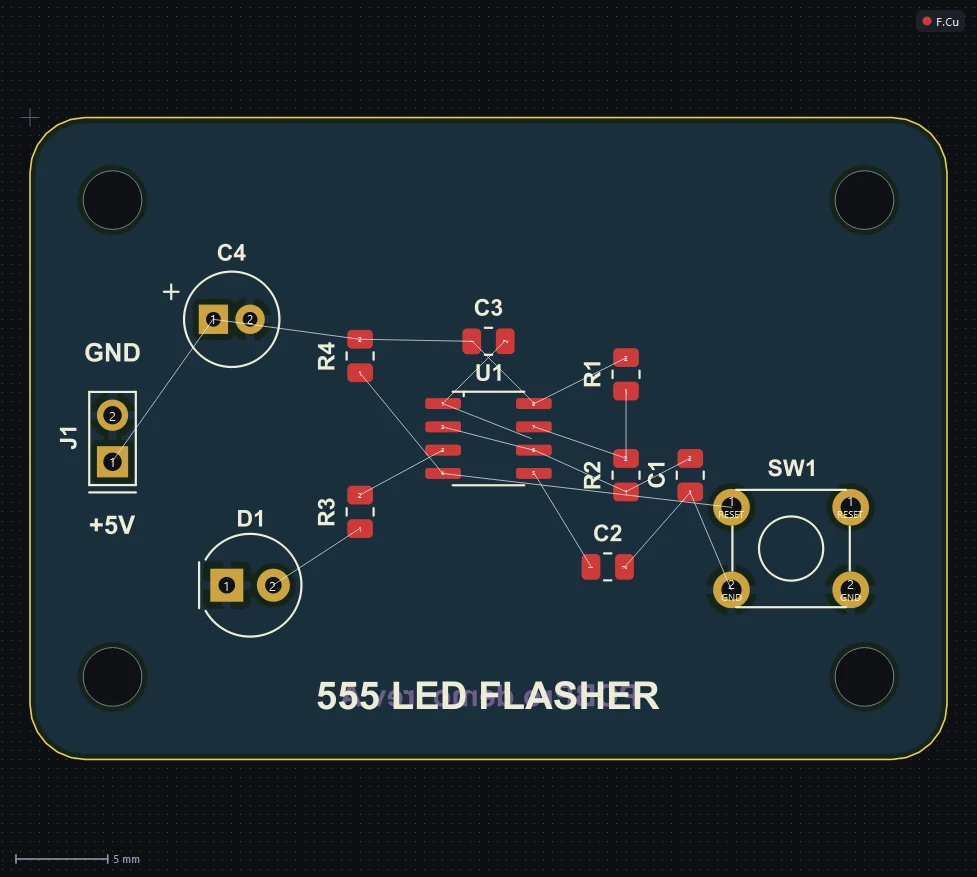
Every bundled project: pedals, tube and solid-state amps, and a 555 flasher.
Design
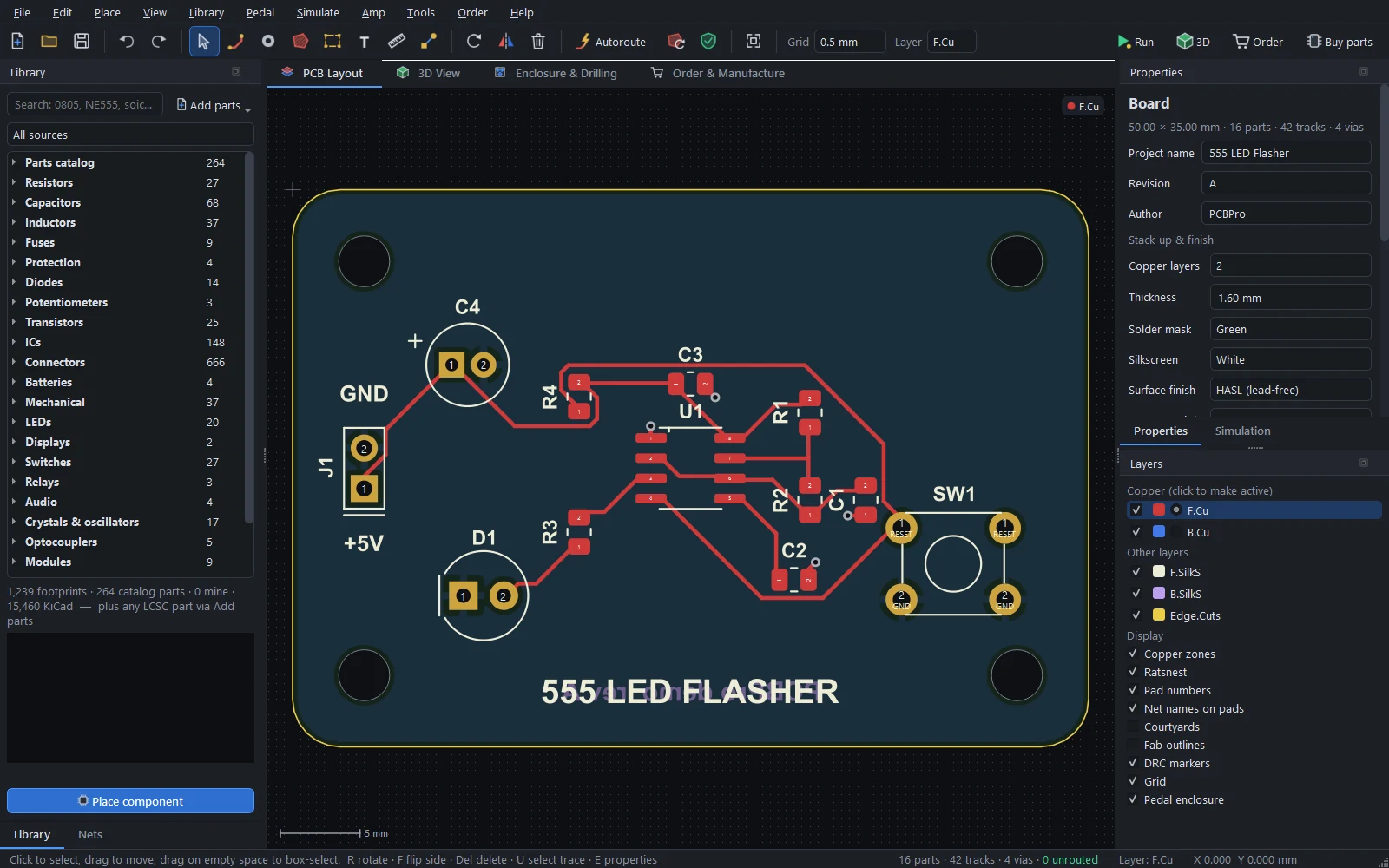
The layout editor
The board, every tool, the netlist, routing by hand and with the autorouter, pours, net classes and DRC.
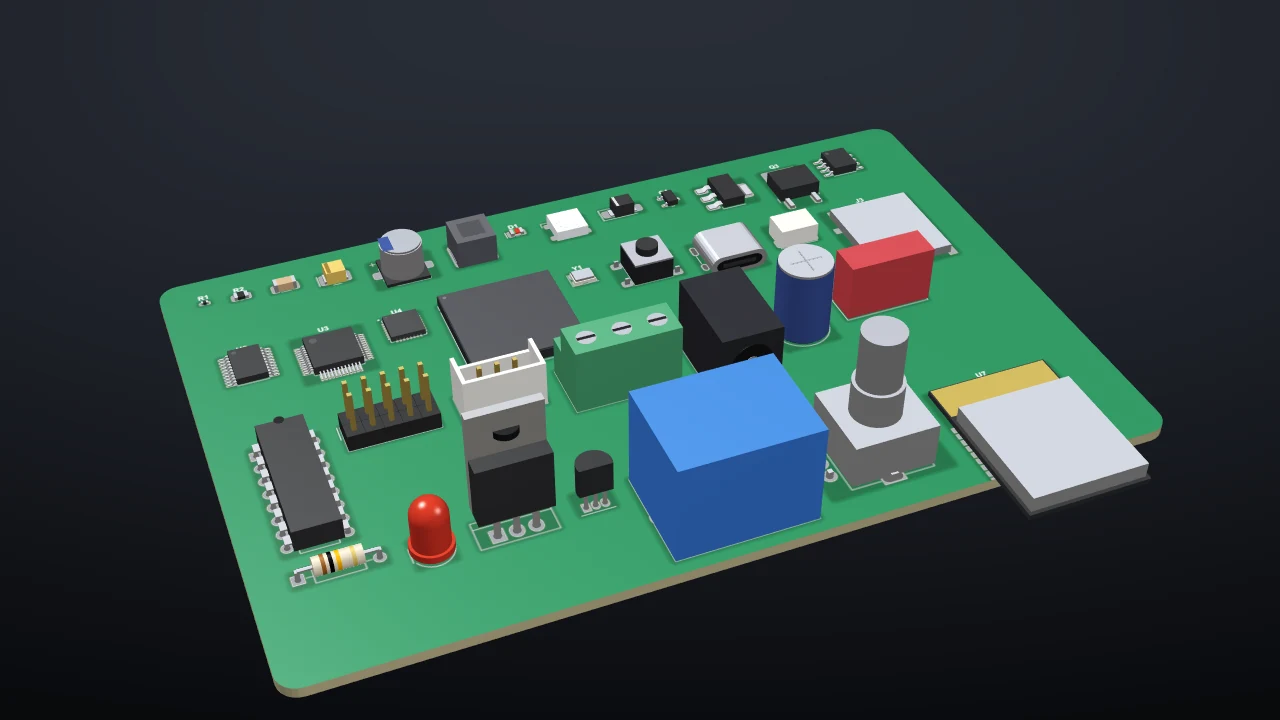
The parts library
1,200+ footprints, the parts catalogue, any LCSC part, KiCad libraries, the wizard, and checking against datasheets.
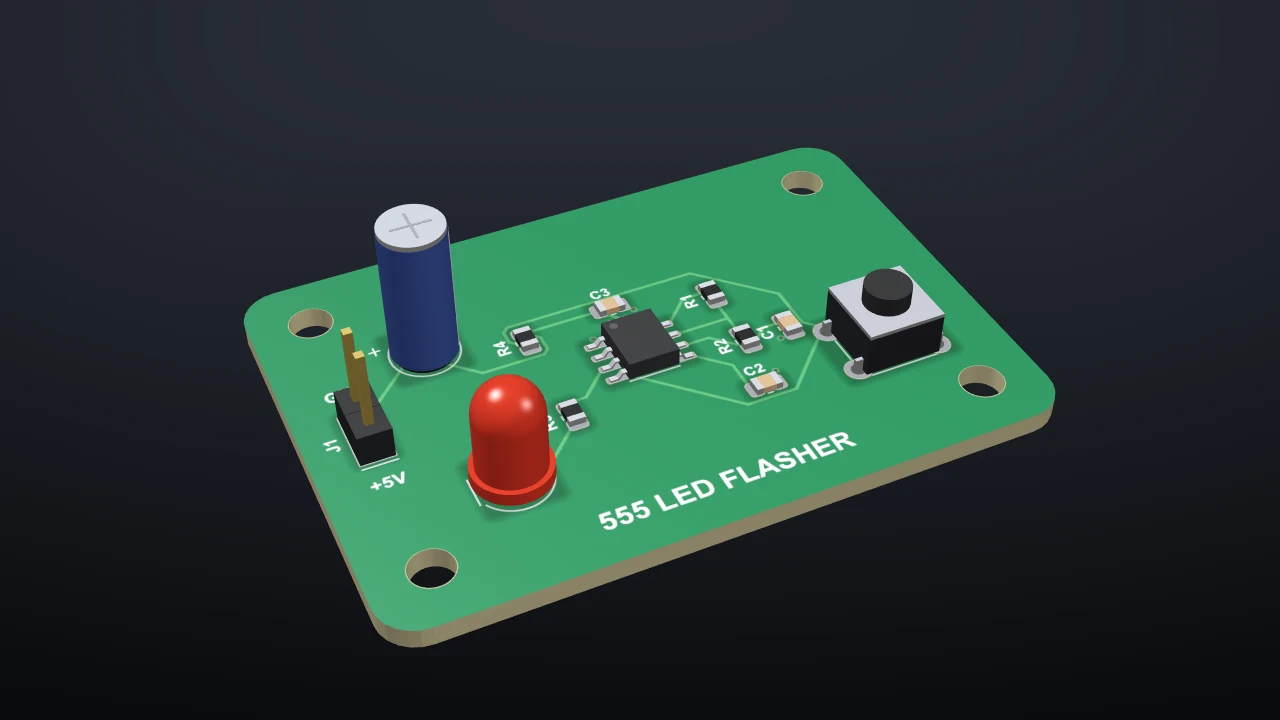
The 3D view
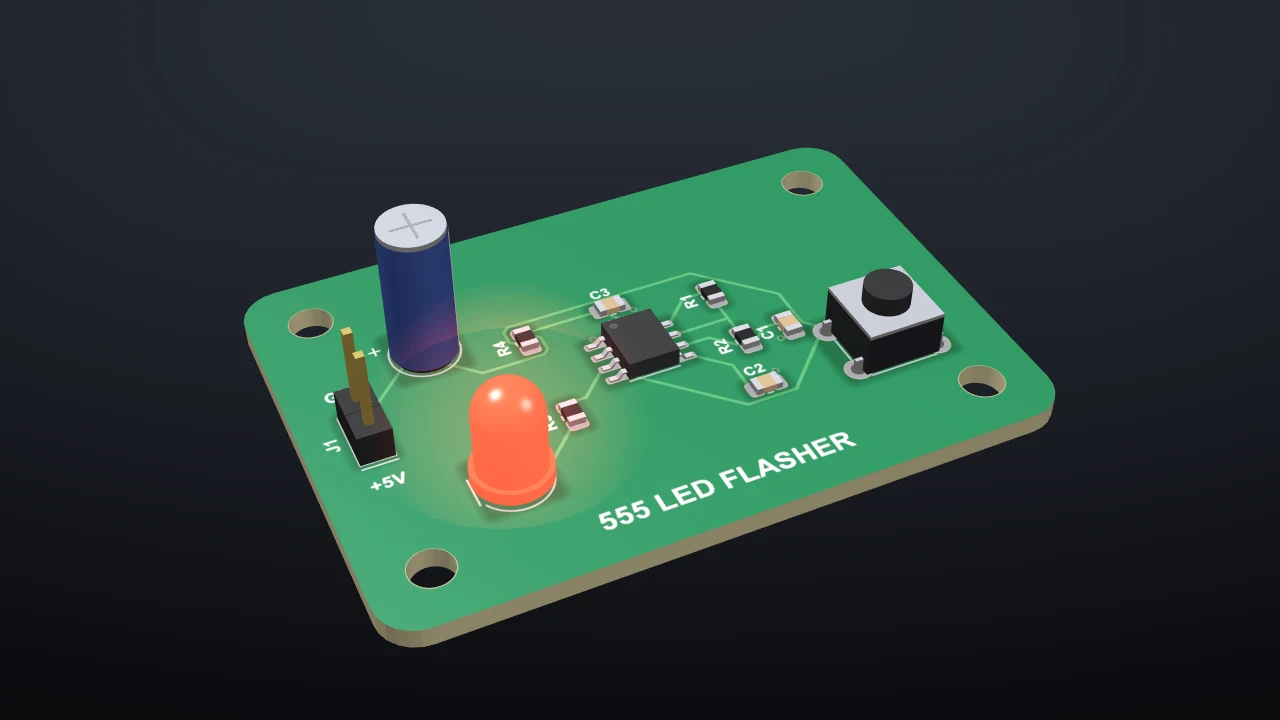
The board as it will be made, pedals in their boxes, tubes in their sockets, and glowing LEDs.
Pedals and amps
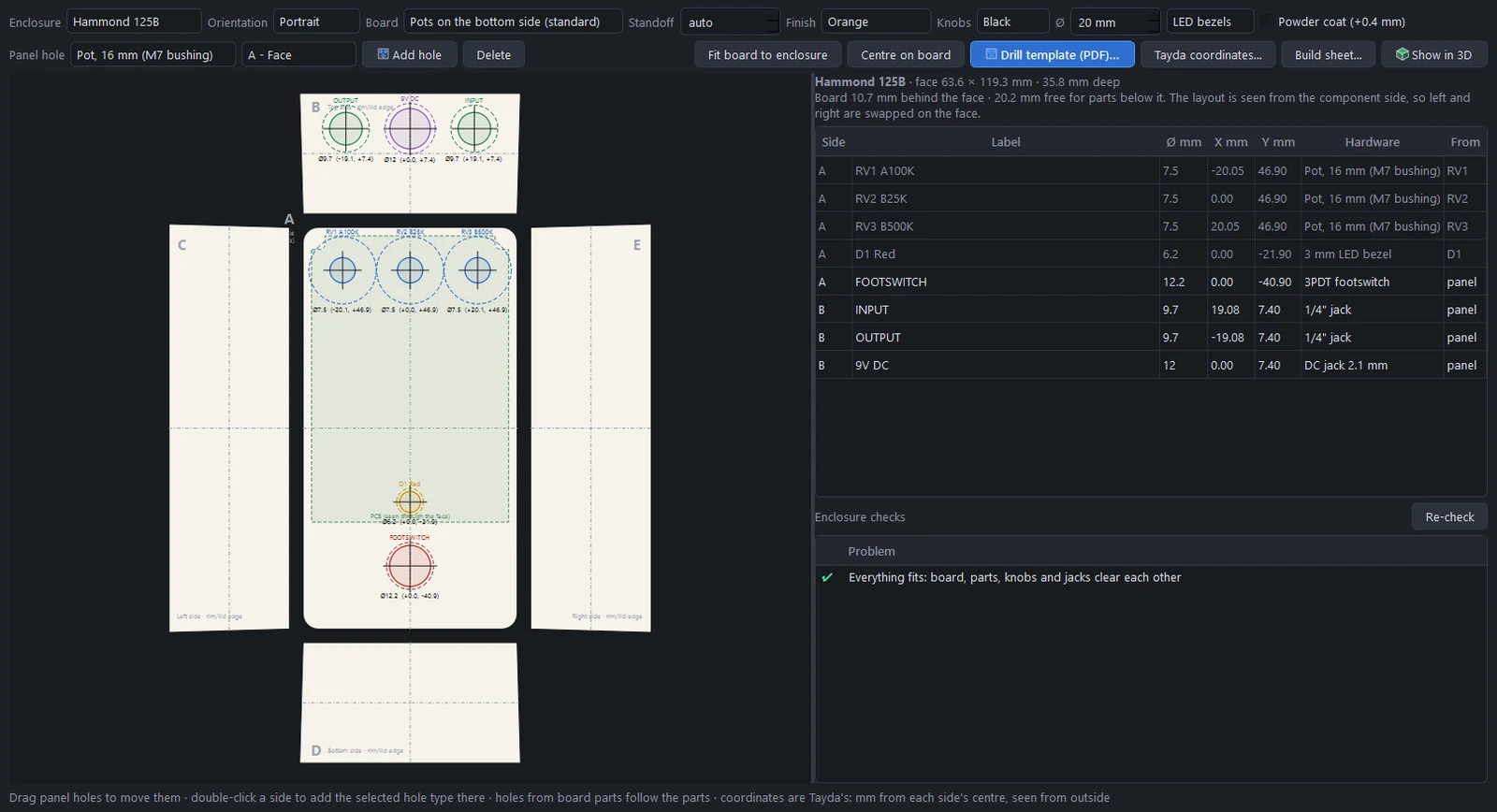
Guitar pedals
The new-pedal wizard, Hammond enclosures, mirroring, drill templates, enclosure checks and the build sheet.
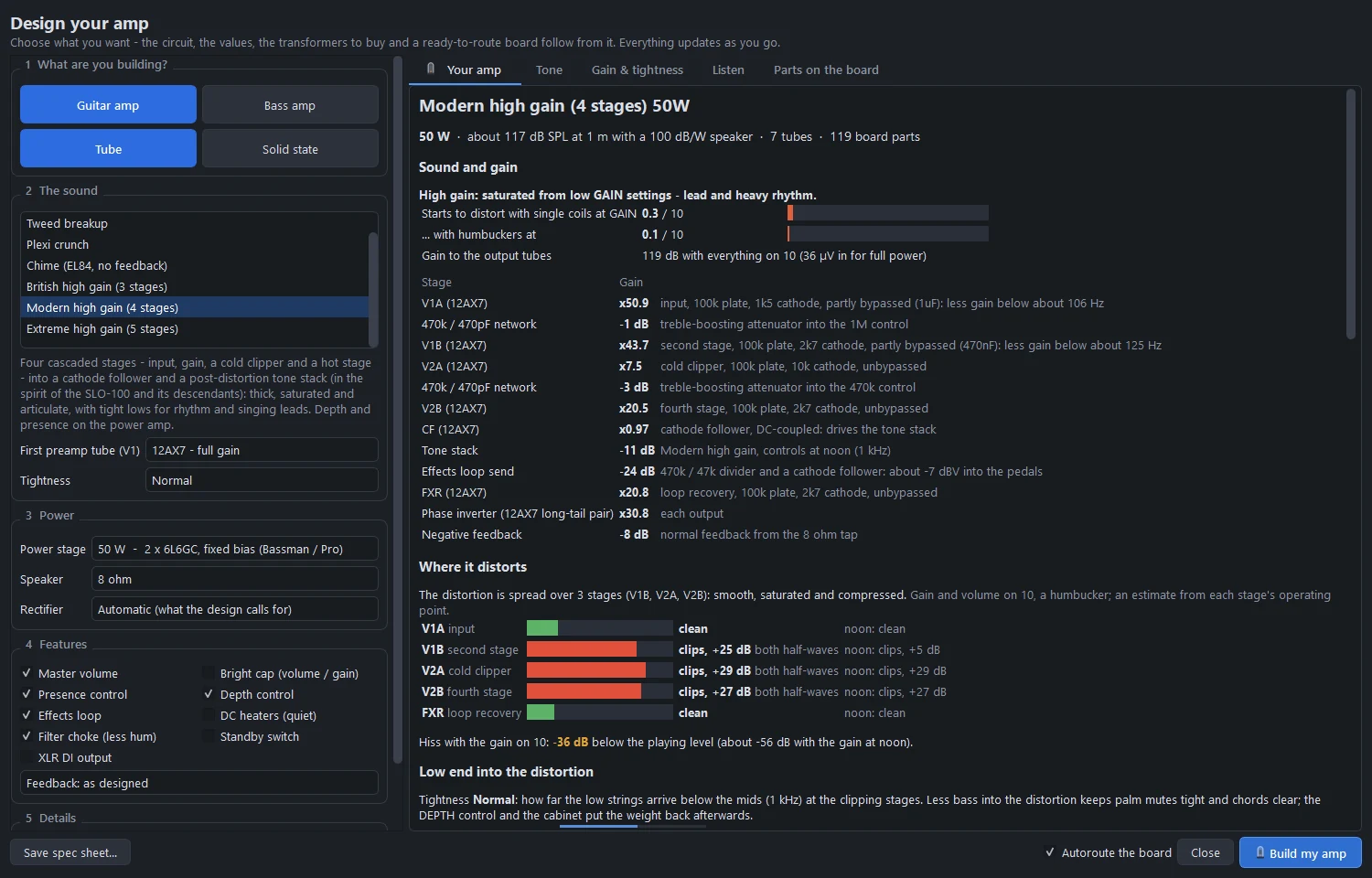
The Amp Designer
Describe the amp, get the circuit, the operating points, the transformers, the sound and a routed board.
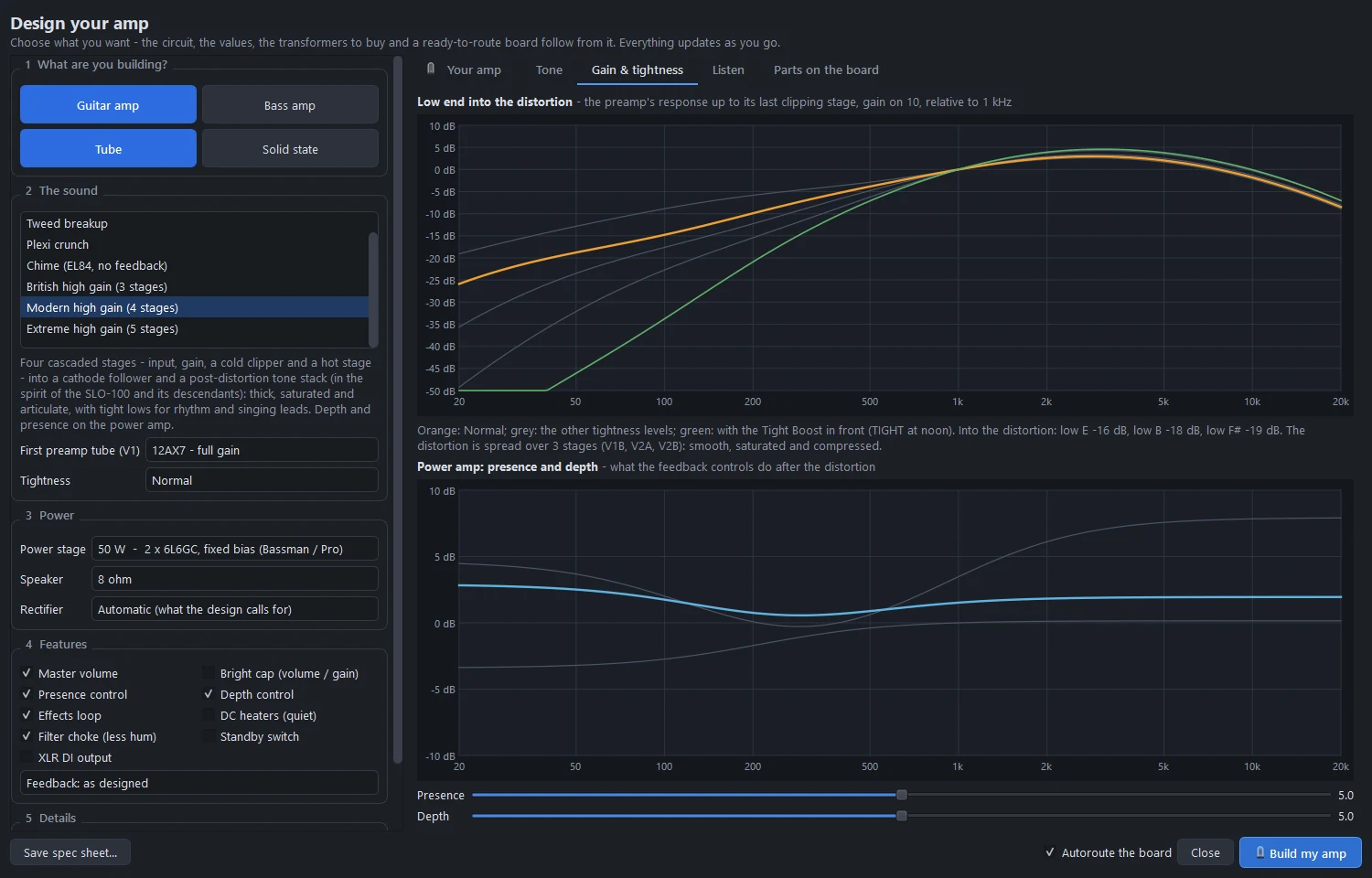
High-gain amps and metal pedals
Three cascaded-preamp voicings, tightness and depth, the effects loop, and three metal pedals.
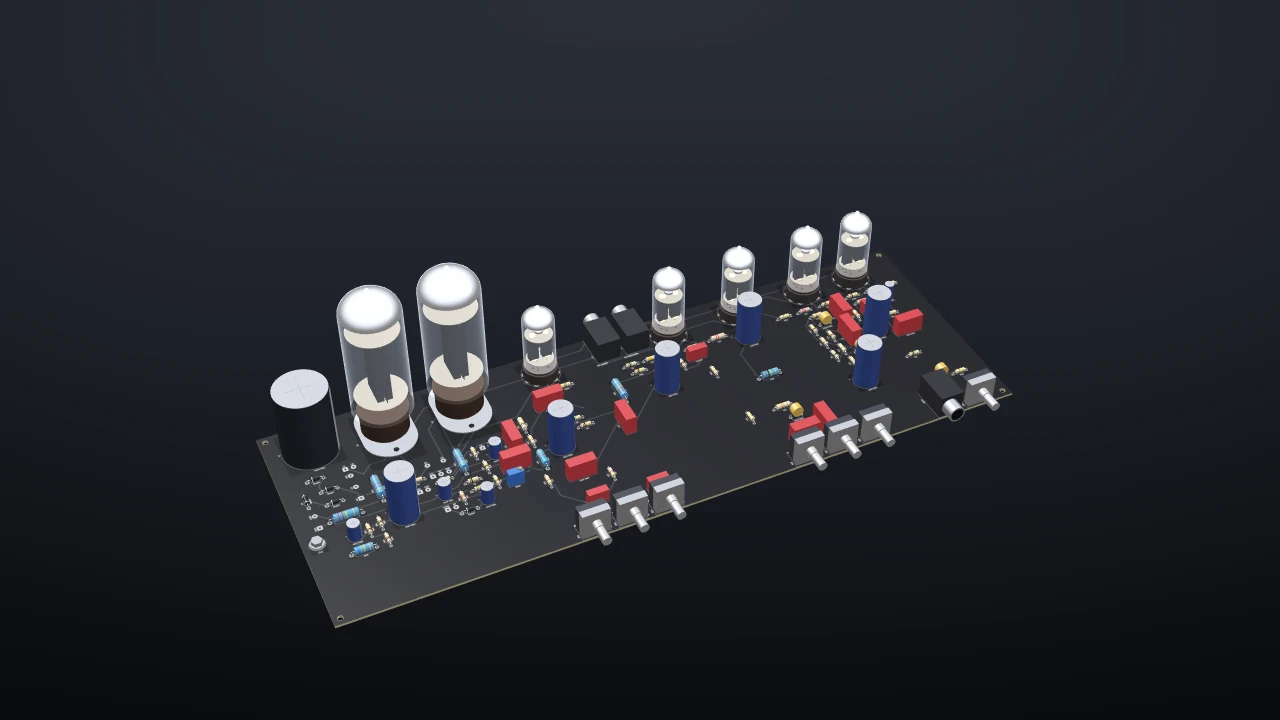
Amp boards and high voltage
Amp templates, tubes on sockets, IPC-2221B spacing by voltage, the amp checks and the tone stack designer.
Simulate
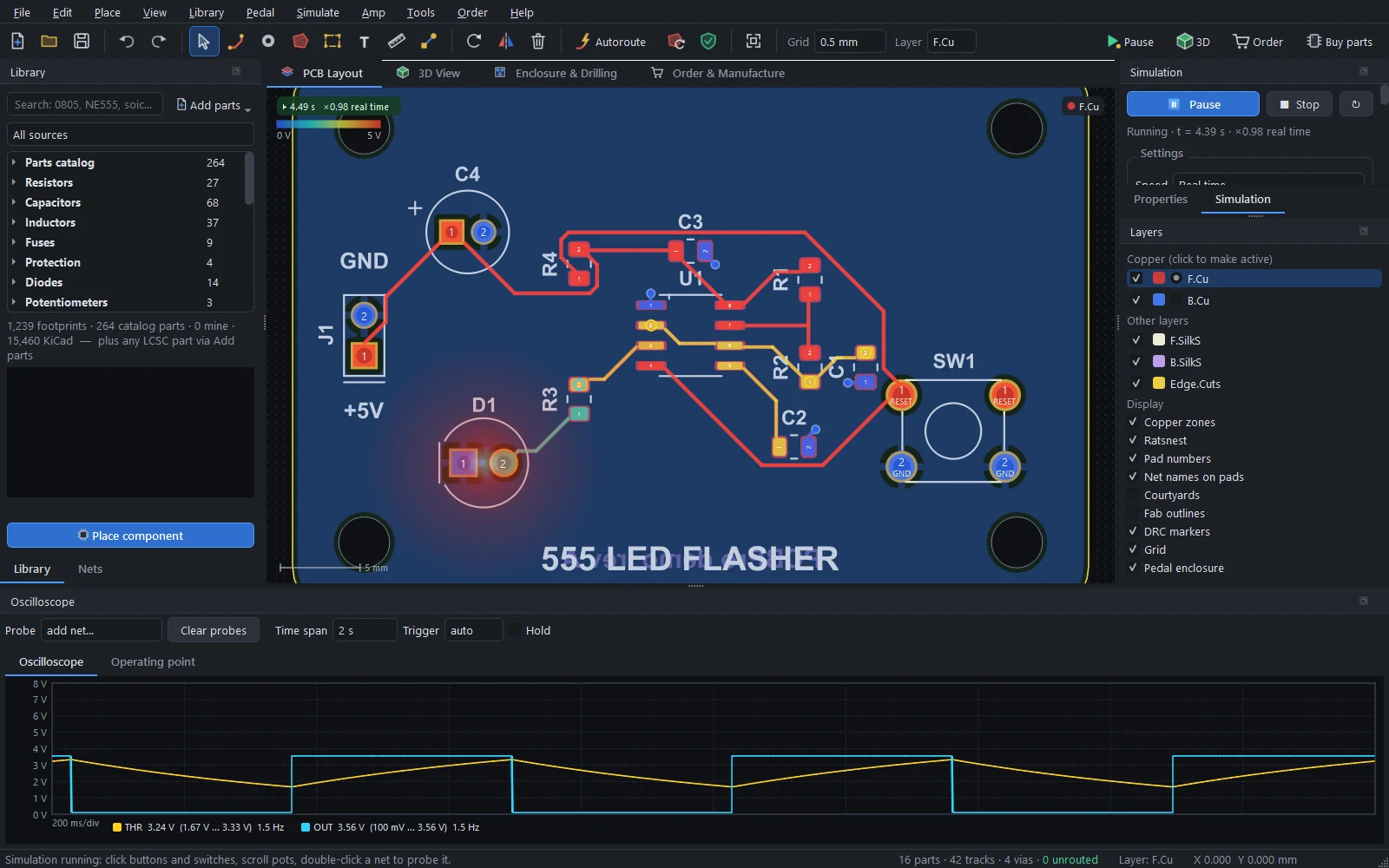
Running the board
Run the board: LEDs, switches and knobs, the oscilloscope, tubes, amplifier boards and logic.
Microcontrollers and firmware
ATmega and ATtiny chips running your real compiled firmware, with timers, PWM, the ADC and serial.
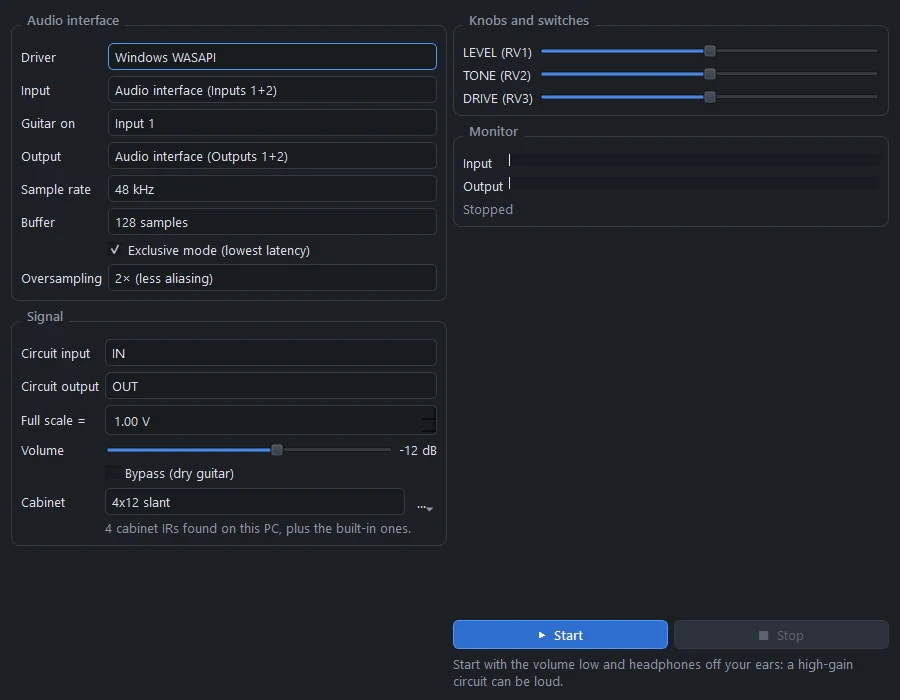
Playing guitar through it
Play live, audio play-through, the frequency response and speaker cabinets.
Build it
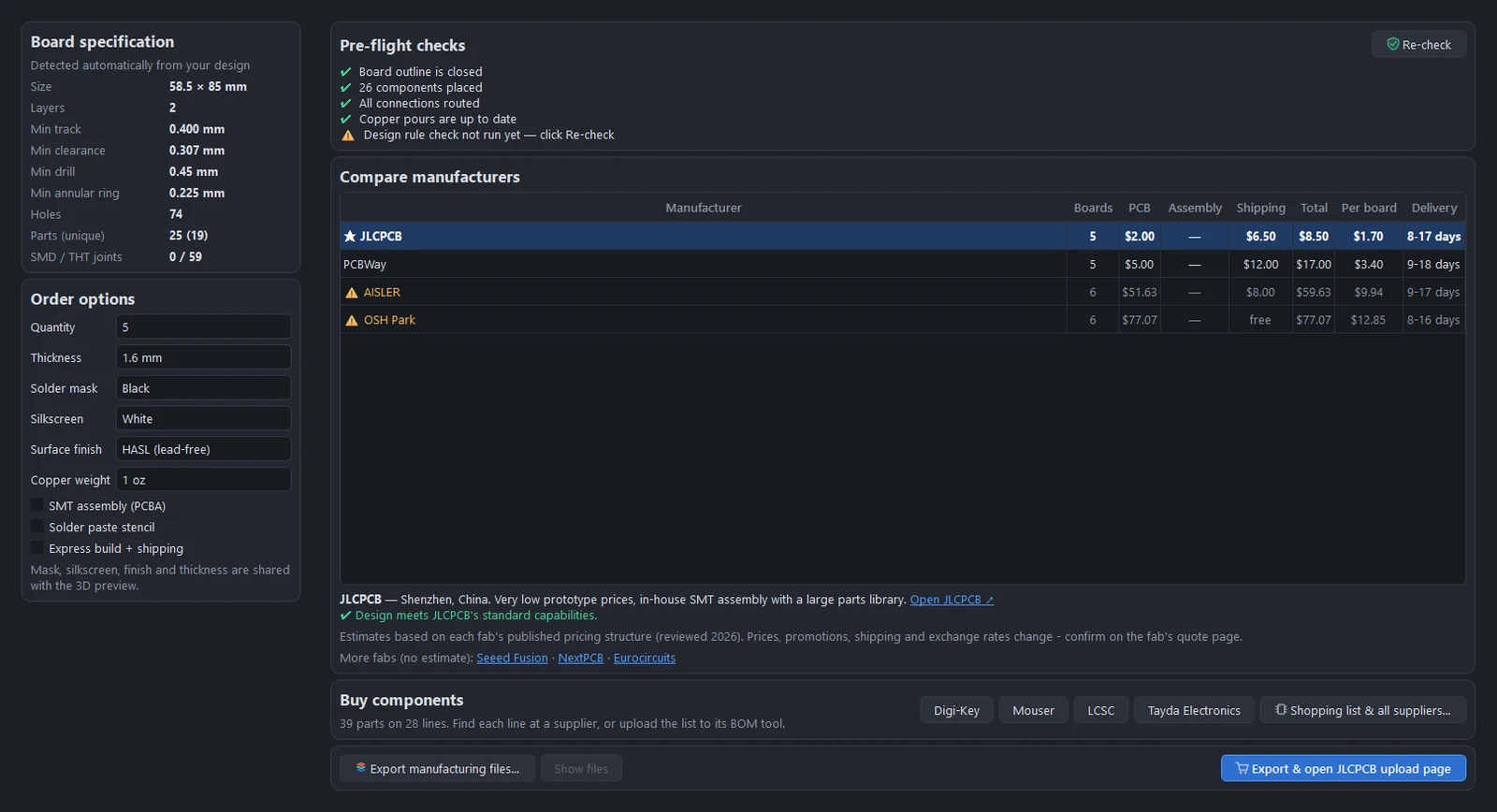
Manufacturing and ordering
Gerbers, drill files, BOM and CPL, the pre-flight checks and the fab comparison.
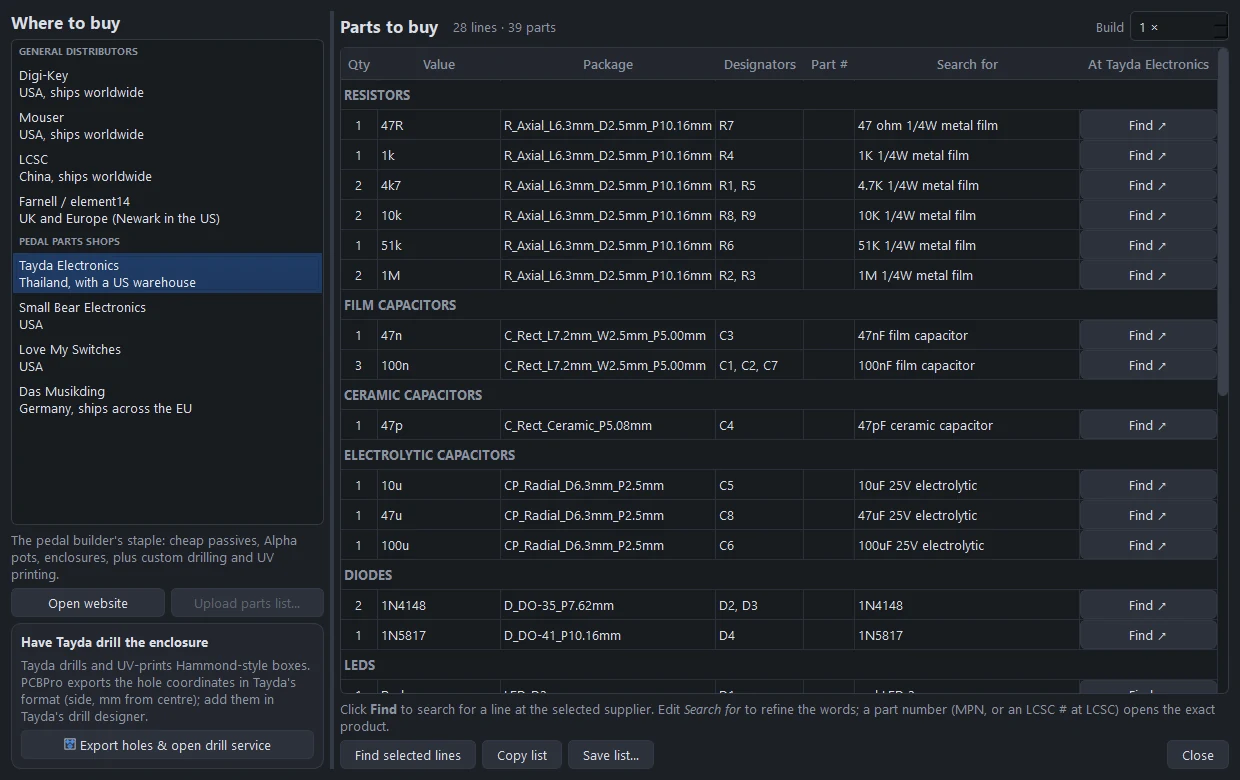
Buying components
A shopping list with search links at four distributors and four pedal shops, and Tayda drilling.
Reference
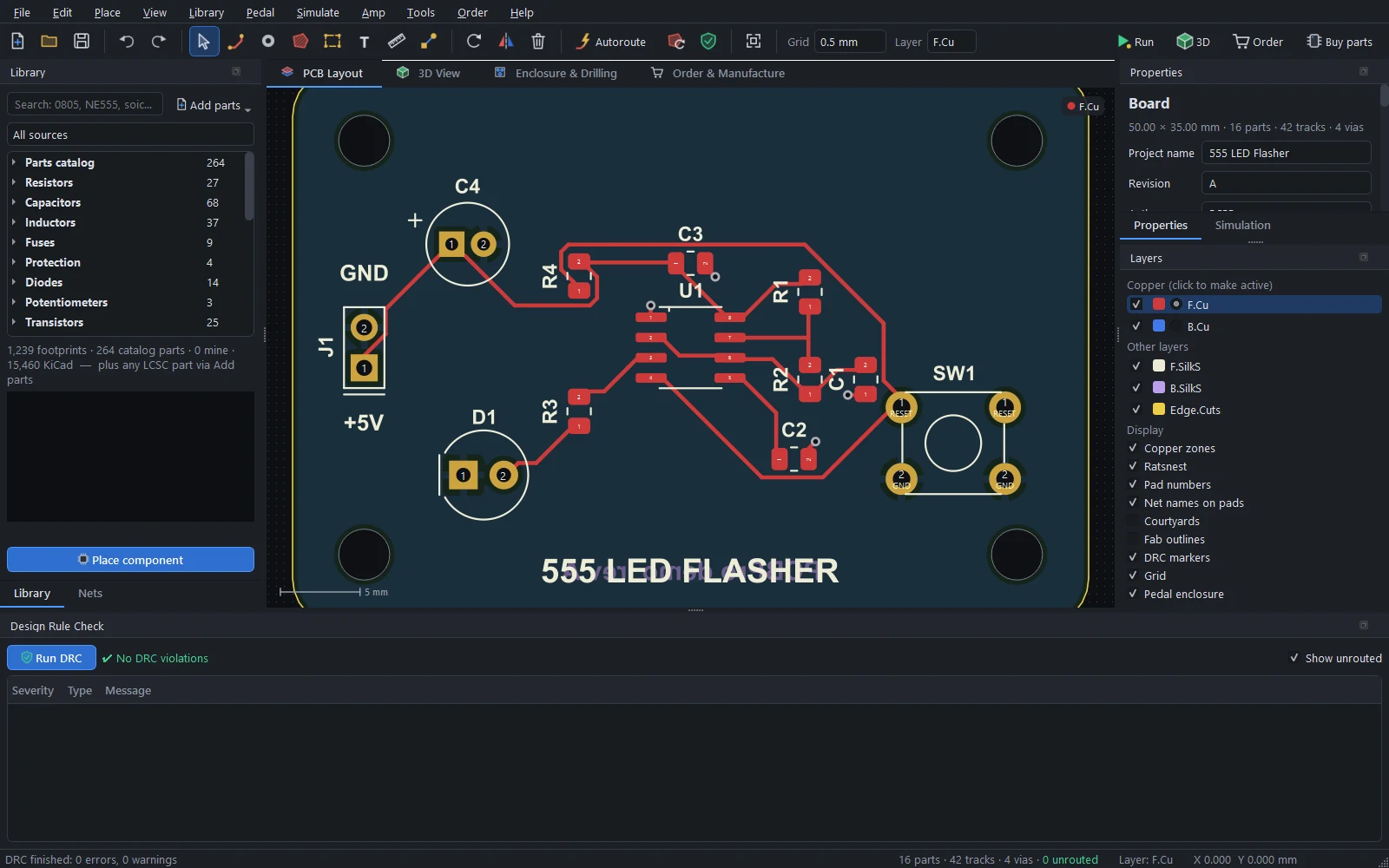
Shortcuts and command line
Every keyboard shortcut, the command line and the scripts in tools/.
How it works
The board model, pours, the autorouter, the circuit simulator, tubes, the AVR emulator and the real-time audio model.
Troubleshooting and limits
Fixes for common problems, known issues, and what PCBPro does not do yet.